
All CS2 Skins
Popular right now
Most-searched skins in the catalog right now
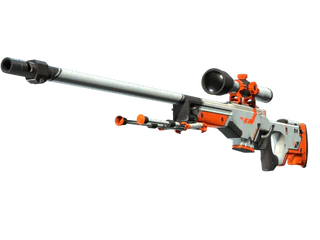
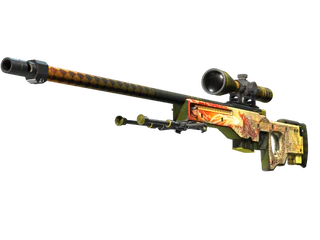
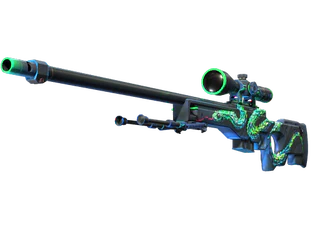
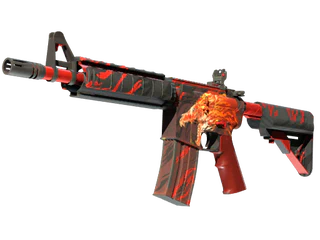
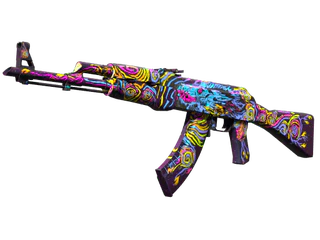
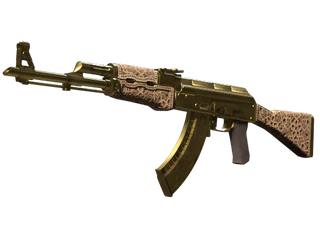
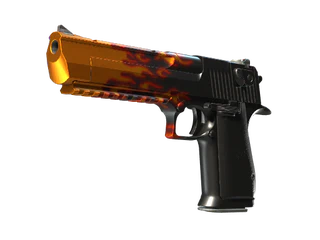
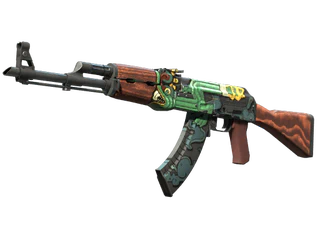
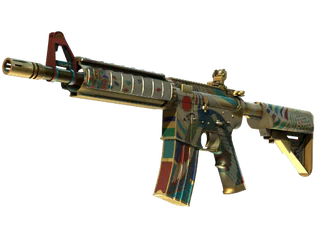
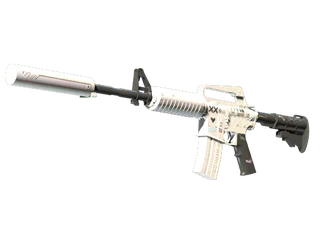
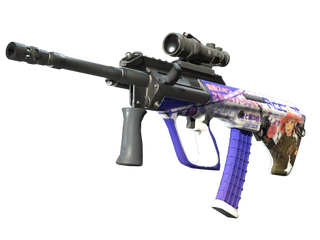
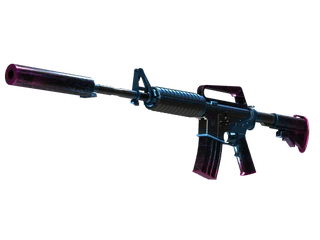
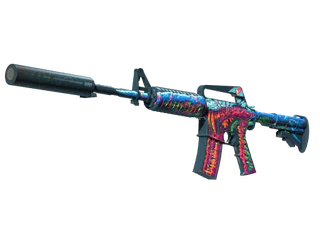
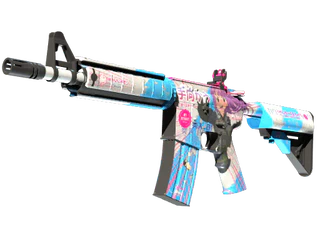
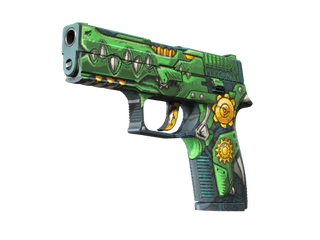
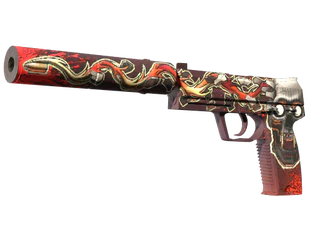
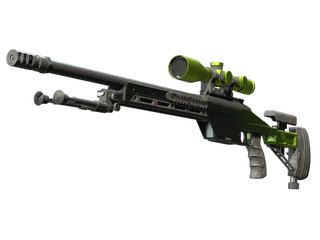
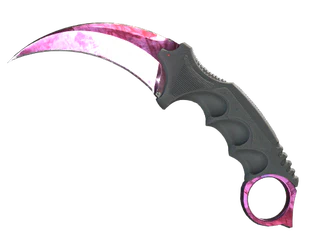
Top value skins
Highest starting prices in the catalog
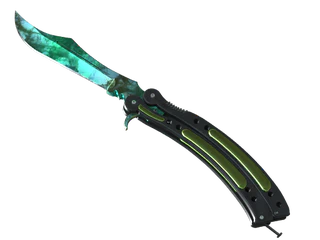
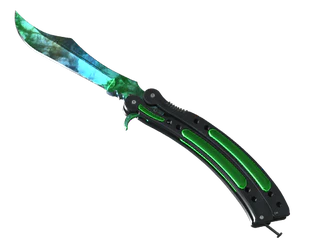
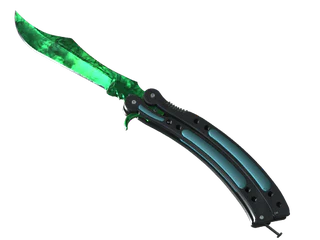
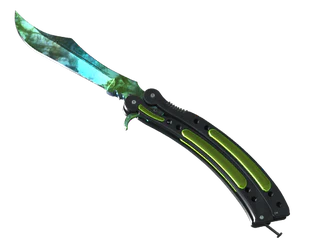
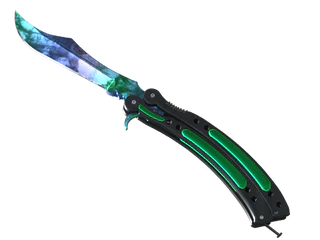
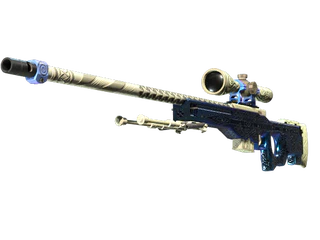
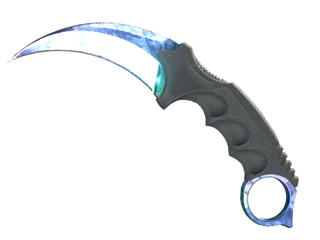
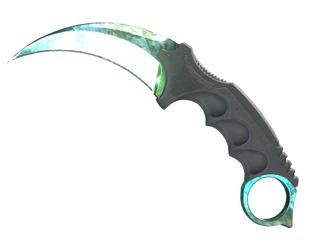
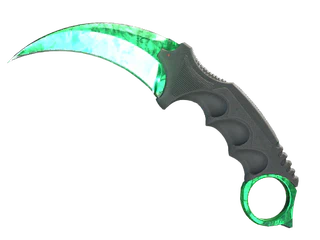
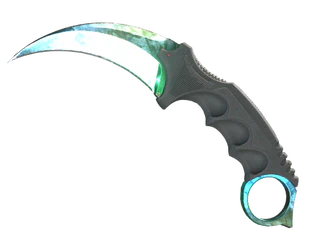
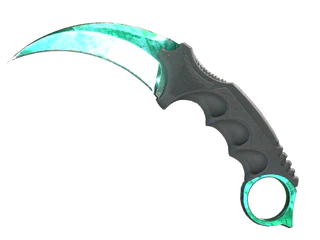
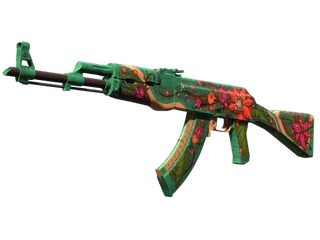
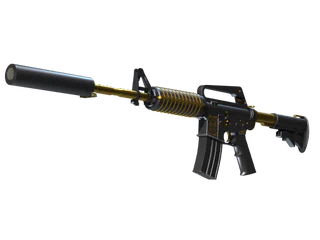
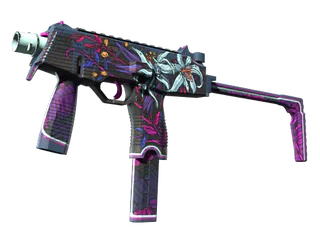
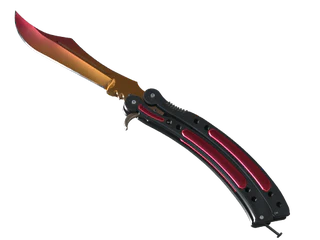
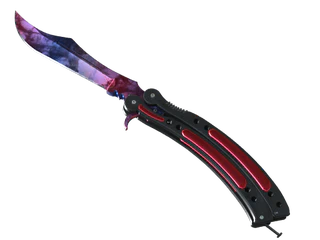
Quick entries
Browse by weapon
Browse by color
About the CS2 skins catalog
Skins.Cash keeps the full CS2 finish catalog in one place and pairs it with a fast cashout path, so browsing and selling live under the same roof.
A catalog built for browsing
The catalog covers finishes for every weapon class — rifles, pistols, SMGs, heavy guns, knives and gloves — with the same card layout across the board. Each card carries the finish name, rarity framing and a starting price, so a long list stays scannable instead of turning into a wall of thumbnails.
Two ways to navigate
Start from a weapon when you already know what you want to run, or start from a color when you are matching a loadout theme. Weapon pages gather every finish for one gun; color pages pull finishes that share a palette across many weapons. Both routes end on the same skin pages.
Finishes across the spectrum
Listings span the full range, from plentiful entry-level paints to the rare high-end pieces collectors chase. Rarity framing and starting prices on each card let you read where a finish sits before you open it, whether you are after something clean and cheap or a genuine grail.
Browse here, cash out fast
This catalog is the browse layer; the payout happens on the main Skins.Cash site. When you find a skin you own, cashing out runs through a Steam-authenticated checkout with payment in real currency, so a browse can become a sale without leaving the ecosystem.
Prices you can compare
Every card shows a starting price captured at the last catalog refresh, so finishes stay comparable side by side. Open a skin for its live price block and full wear ladder before you commit to buying or selling.