


Rust CCTV Camera Codes

Table of Contents
Since their introduction in 2020, Rust camera codes have become an essential component of base defense strategies. The 2024 Rust updates have significantly enhanced the security potential of camera systems. By implementing the right camera codes, players can effectively monitor potential threats and protect their valuable assets.
CCTV Camera Basics
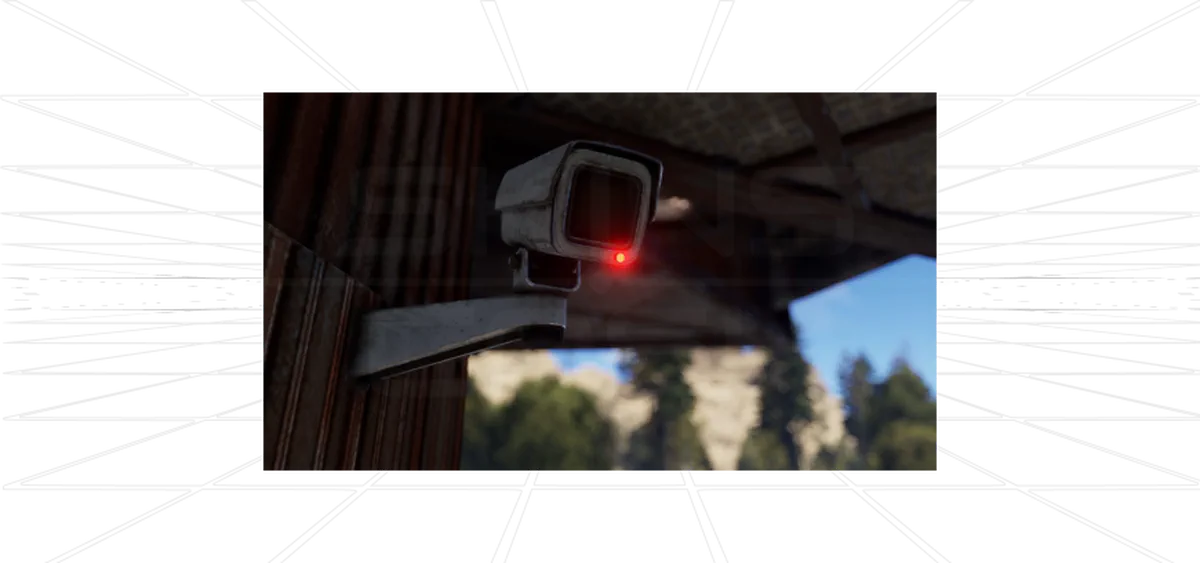
For optimal surveillance coverage, it’s crucial to utilize proper CCTV camera codes. When setting up your computer station and configuring Rust cameras, these codes are instrumental in distinguishing between different cameras positioned around your base.
Using CCTV Cameras
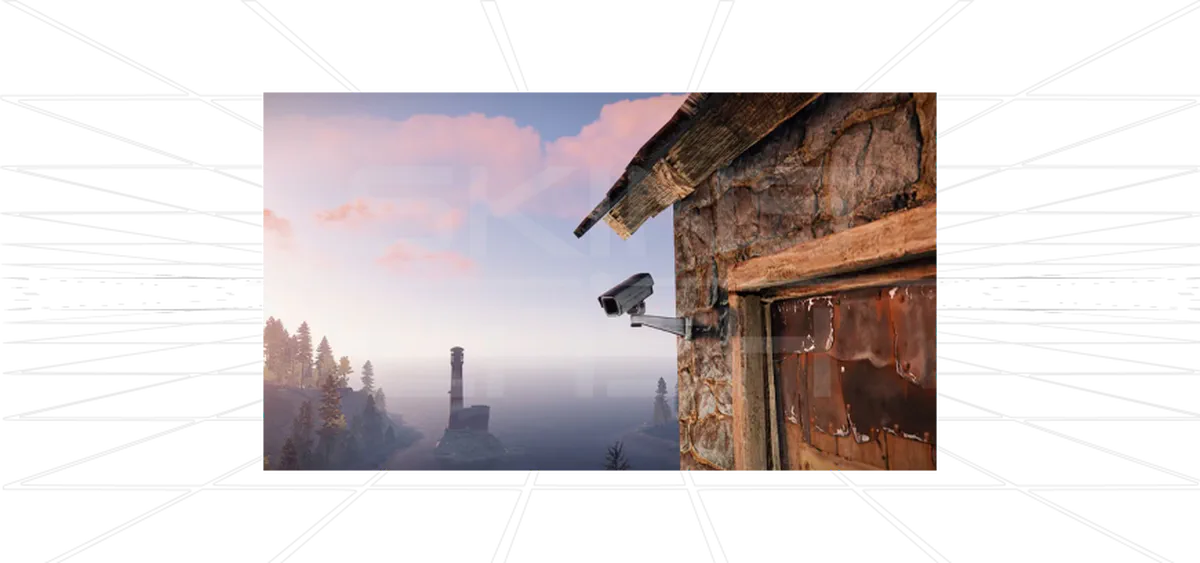
In Rust 2024, strategic placement of CCTV cameras around your base is essential for surveillance. Mastering camera codes allows seamless switching between different camera feeds on your computer station.
Key features:
- Provides both video and audio feeds
- Requires 5 rWm of power
- Must be connected to a computer station
- 150 HP durability
- 48 hour decay time
- 3 consumption inputs
Each camera has a unique identifier code required for connecting to your computer station.

Sell your CS2 skins for real money.
Where to Find CCTV Cameras
CCTV Cameras spawn in various containers with different probabilities:
Camera Identifier Codes
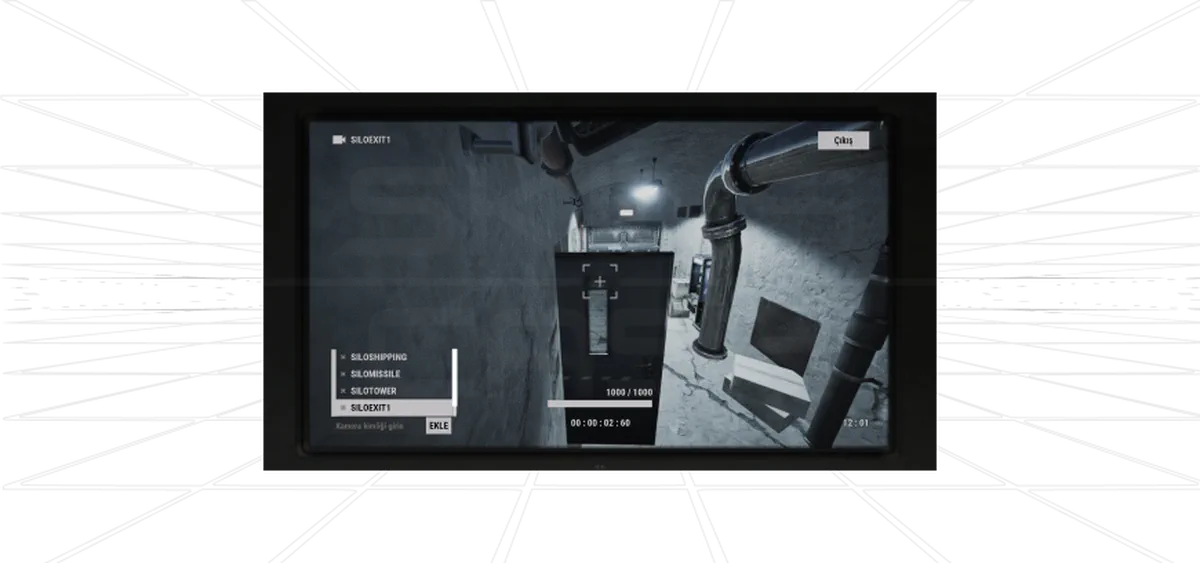
There are two types of camera codes:
- System-generated identifiers: Pre-programmed by Facepunch for monument cameras
- Custom player identifiers: Created by players for base cameras
Setting Up Custom Camera Codes
- Select the hammer tool and aim at a CCTV camera (press E)
- Choose “Set Frequency” from the wheel interface
- Input your desired identifier (5-10 characters recommended)
- Click “Set Identifier” to confirm
Note: Codes are case-sensitive and can be up to 32 characters.
Configuring Computer Stations
To connect cameras to a computer station:
- Hold E while facing the terminal
- Enter the CCTV identifier (case-sensitive)
- Click “Add” to complete connection
- Select from the camera list to view feeds
Complete Camera Codes List
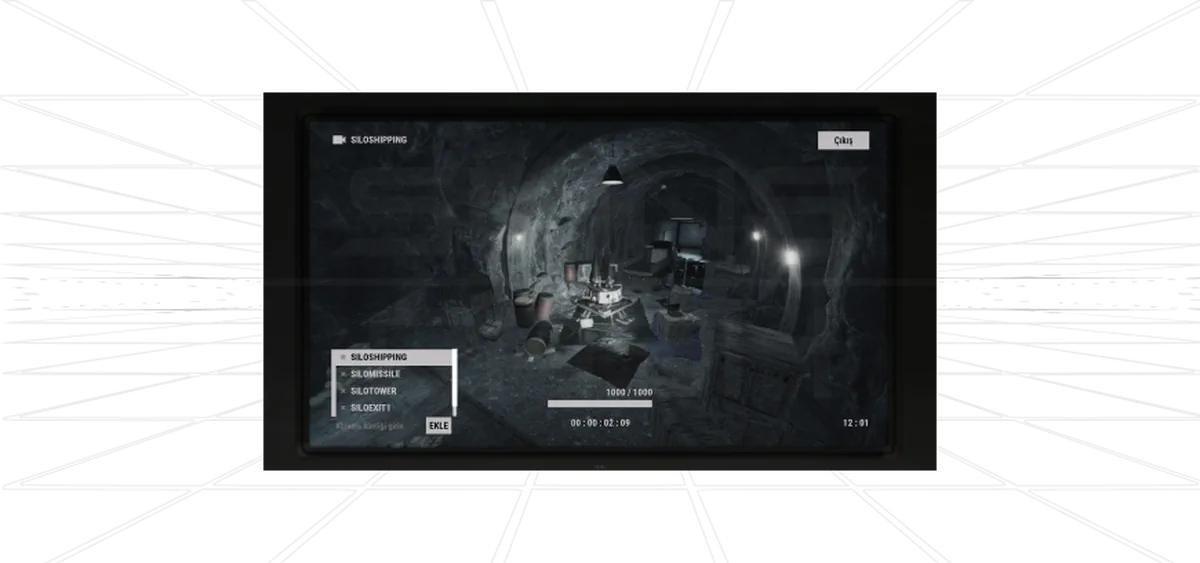
Monument Cameras
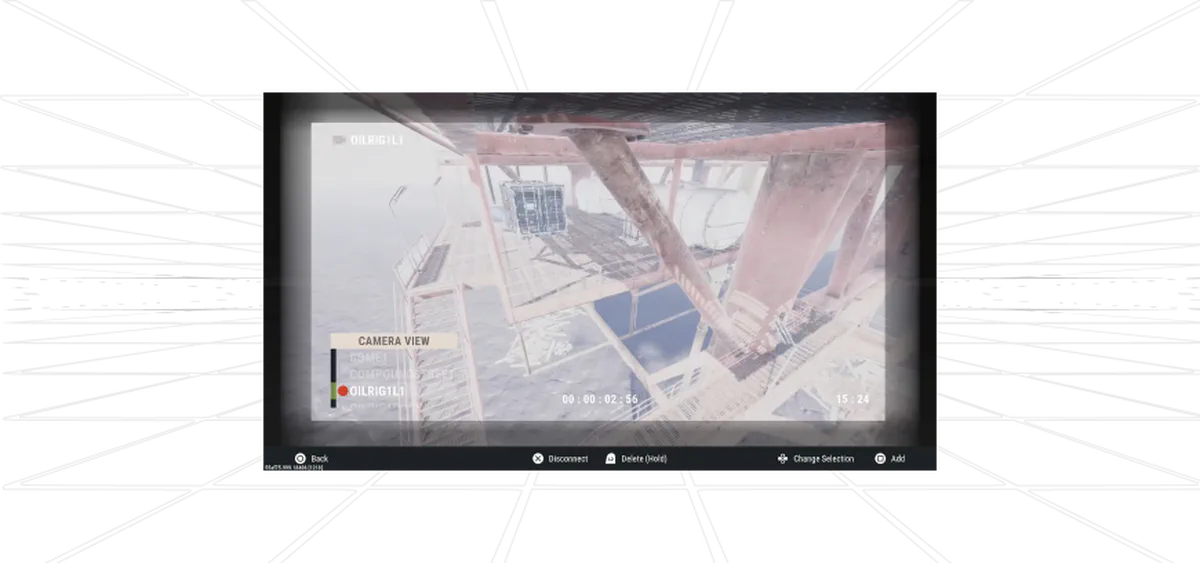
Large Oil Rig Camera Codes
Small Oil Rig Camera Codes
Underwater Labs Camera Codes
Advanced Tips
-
Power Management:
- Ensure adequate power supply (solar panels recommended)
- Use high-quality metal components
-
Strategic Placement:
- Focus on critical areas rather than redundancy
- Only use multiple cameras for high-priority zones
-
Organization:
- Maintain a log of custom camera codes
- Create a mapping system for large installations
-
Monitoring Schedule:
- Adjust check frequency based on threat level
- Increase monitoring during high-risk periods
- Reduce during quieter times
Conclusion
These camera codes, especially the large oil rig camera codes, provide valuable intelligence for monitoring high-value locations. Proper implementation of this surveillance system can significantly enhance your base security and raiding strategies in Rust 2024.


