
How to Get CS2 Inspect Link

Table of Contents
Frustrated with the complex process of getting inspect links for your favorite CS2 skins? We’ve got you covered! This guide reveals the most efficient methods to obtain inspect links, complete with expert tips for using cs2 inspect tools to evaluate skins and make smarter trades through our cs2 skin inspect server.
Mastering Inspect Link Generation for CS2 Skins
Step 1: Logging into Steam Community
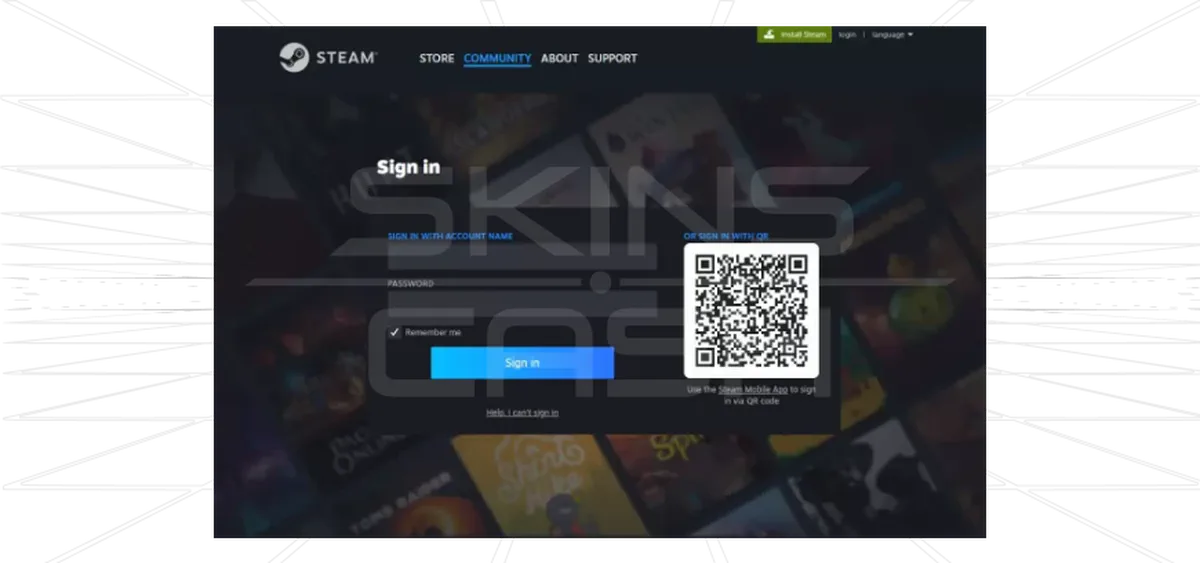
- Visit Steam Community
- Enter your username and password
- Click “Login” or “Sign In”
Step 2: Navigating to the Item Page
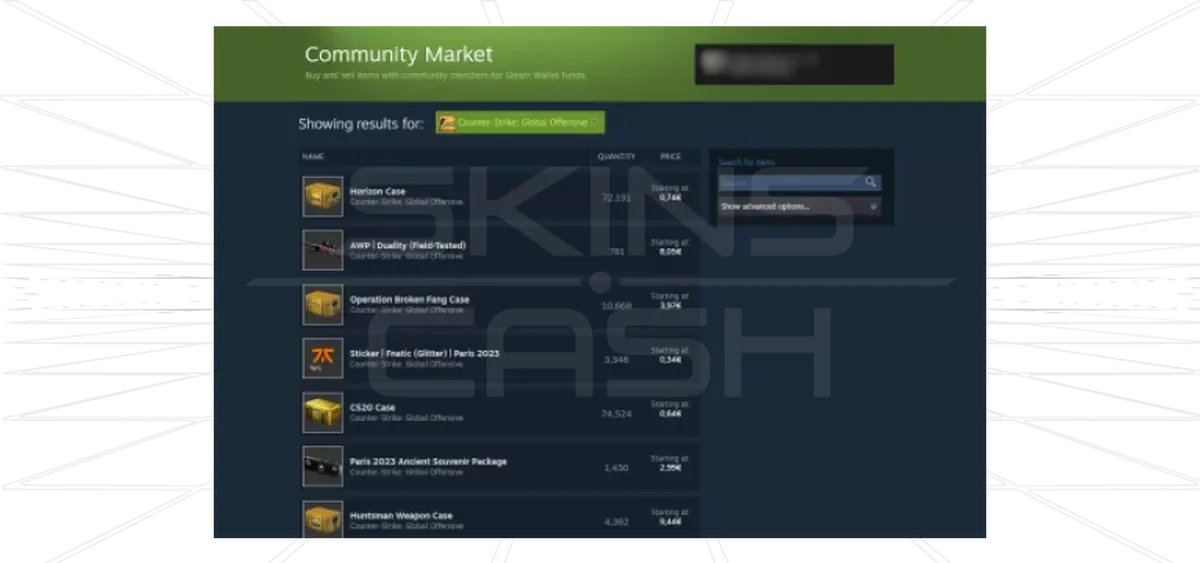
Locate your desired CS2 item using these methods:
- Open Steam Community Market or your Inventory
- Filter by Counter-Strike 2 in game options
- Either:
- Browse featured items
- Use the search bar for specific skins
- Click the item to open its dedicated page
Step 3: Extracting the Inspect Link
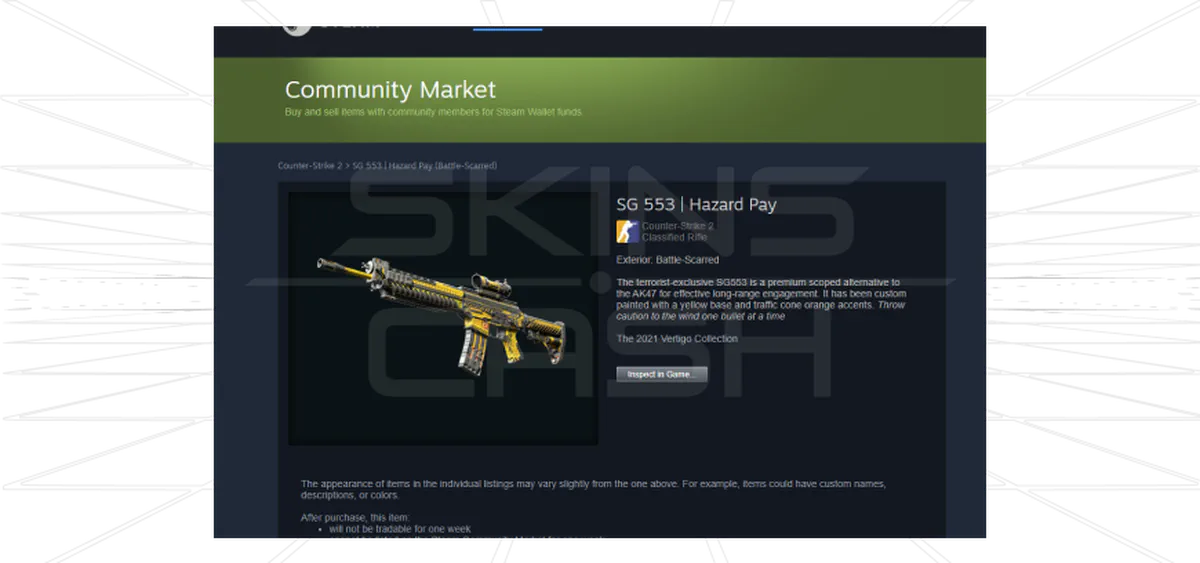
- On the item page, find the “Inspect In Game” button
- Right-click the button
- Select:
- “Copy Link Address” (Chrome/Firefox)
- “Copy Link Location” (Edge/Safari)
Success! You now have a working inspect link for detailed analysis of:
- Float values
- Pattern indexes
- Sticker placements
Pro Tip: Supercharge Your Workflow
Use our cs2 inspect server to:
- Batch-process multiple inspect links
- Track skin metadata
- Generate shareable reports
Summary
Key Steps
Tools Used
1. Steam login
Steam Community
2. Item location
Search filters
3. Link extraction
“Inspect In Game” button